
MacClips
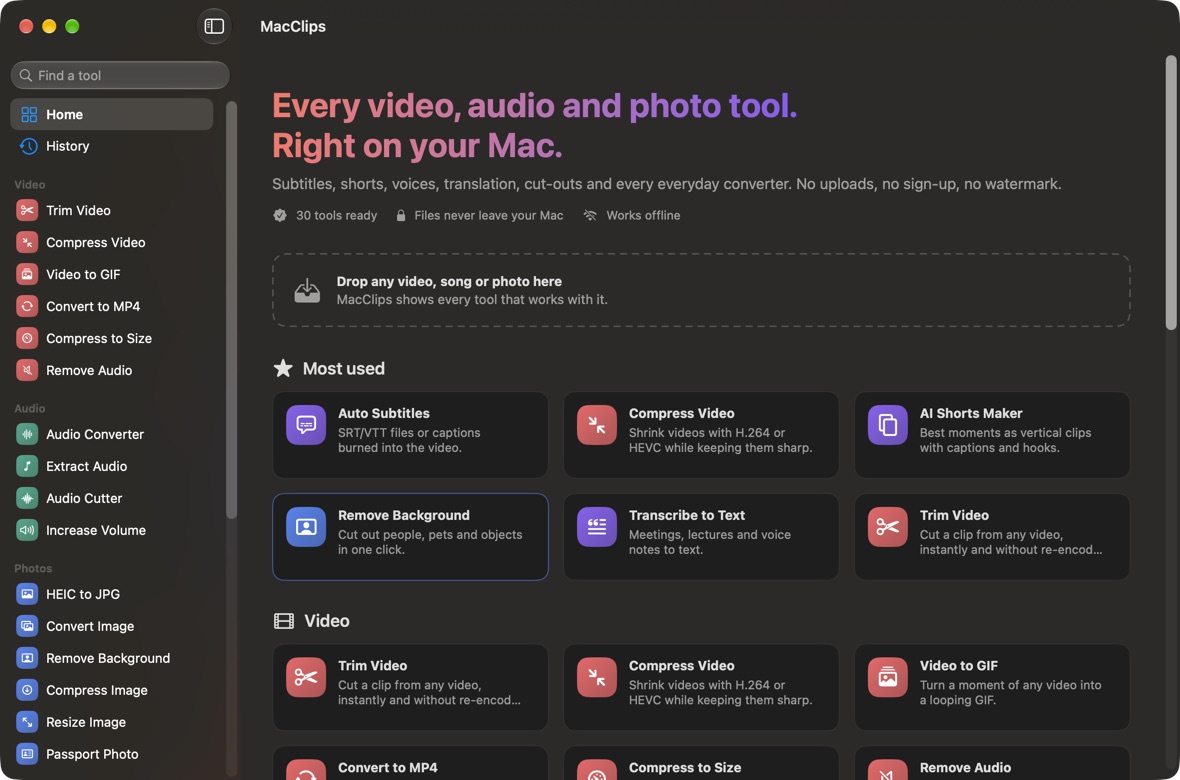
30 video, audio and photo tools. All on your Mac.
Auto subtitles, AI shorts, translation, dubbing, text to speech, background removal, compression and every everyday converter in one native app. Nothing is uploaded, there's no sign-up and no watermark.
What it does
Auto subtitles
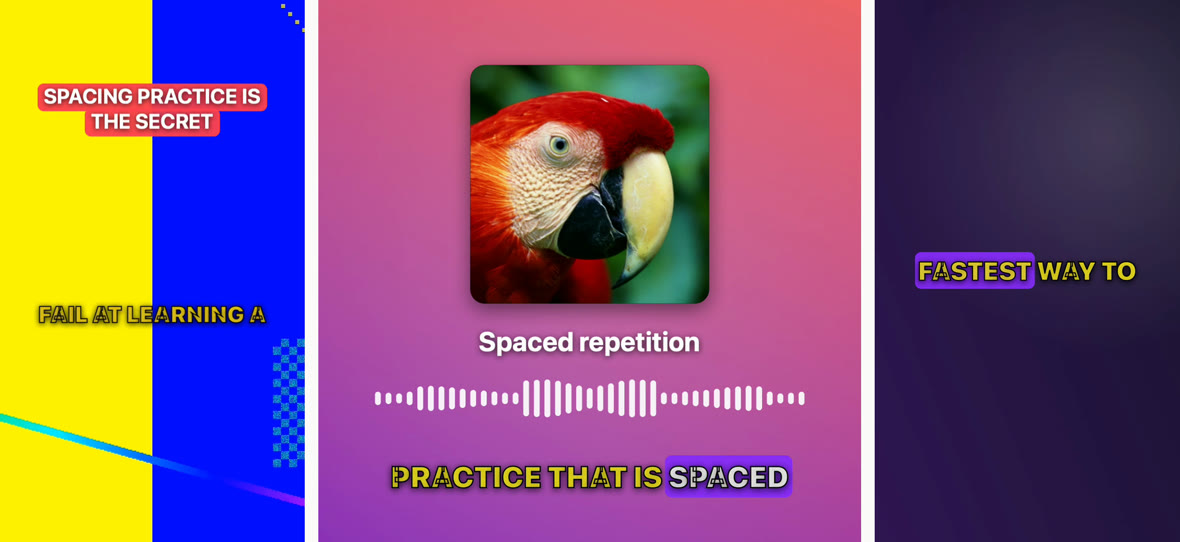
Speech to SRT and VTT files, or captions burned into the video in five styles. 25 spoken languages, transcribed on your Mac.
AI shorts
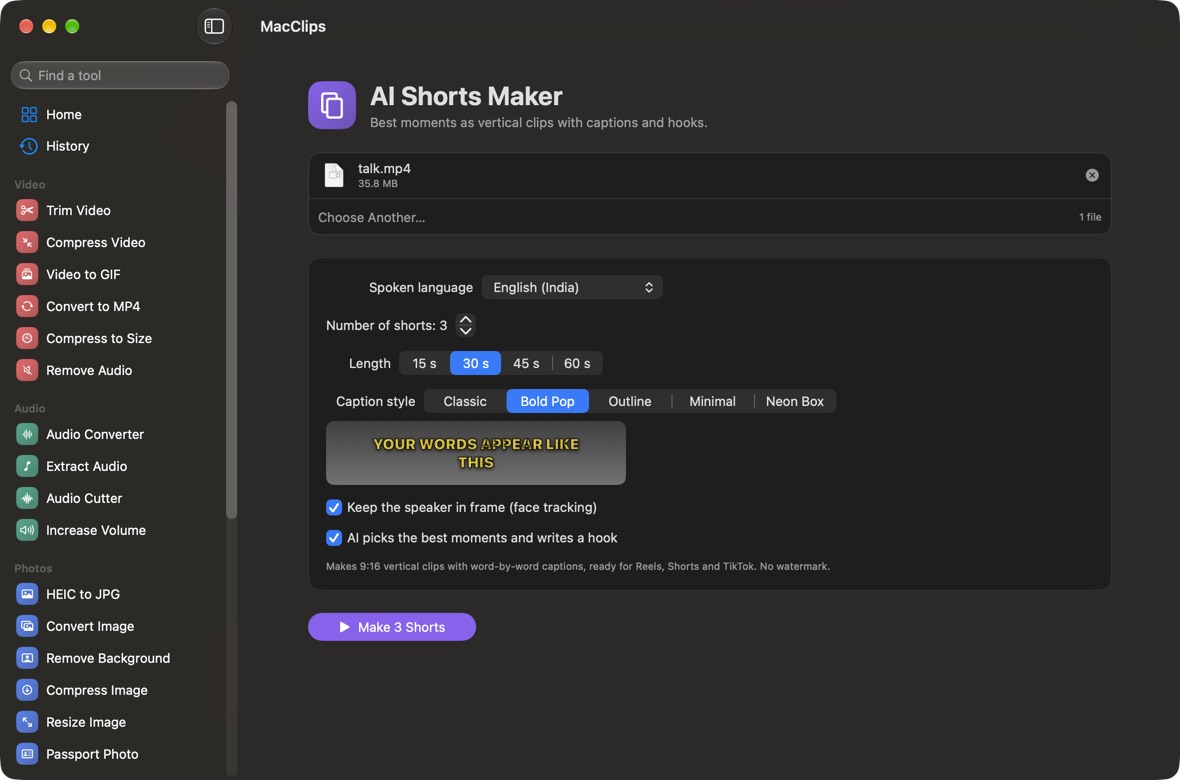
Finds the best moments in a long video and turns them into 9:16 clips with word-by-word captions, face tracking and an AI-written hook.
Translate and dub
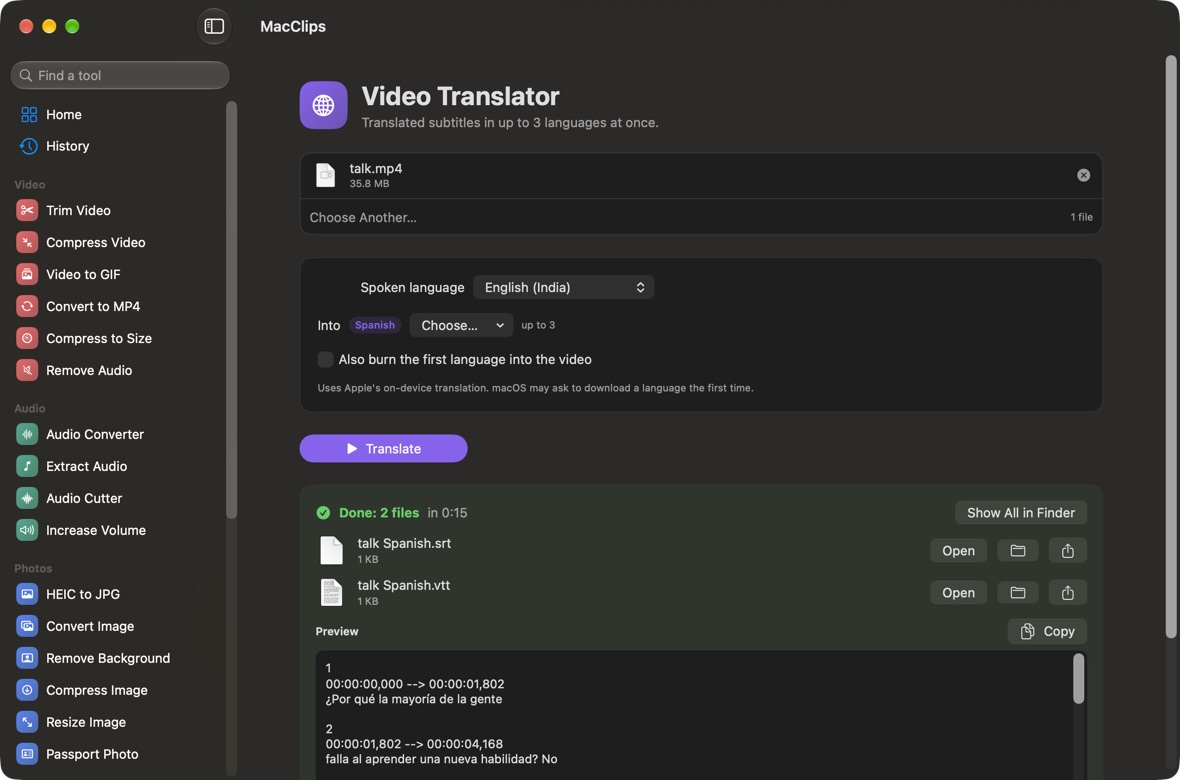
Translated subtitles in up to three languages at once, or a full voice dub into Hindi, Spanish, French, German and more.
Voices and videos from text
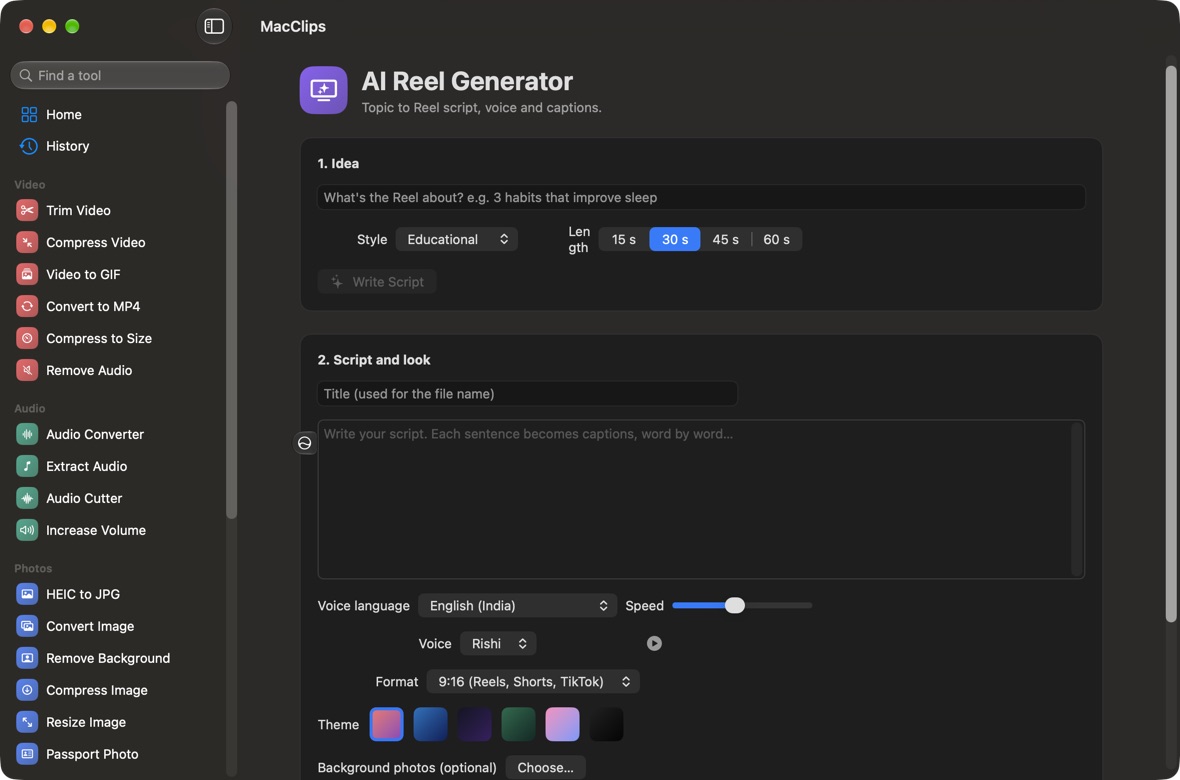
Text to speech with every voice on your Mac. Text to video and an AI Reel generator that writes the script, voices it and adds captions.
Clean up audio
Remove background noise, take music out from under a voice, split songs into vocals and karaoke instrumentals, boost or normalize volume.
Smart editing
Cut long pauses and ums out of talking-head videos automatically. Lecture to Notes writes a summary, notes, a quiz and flashcards.
Every everyday converter
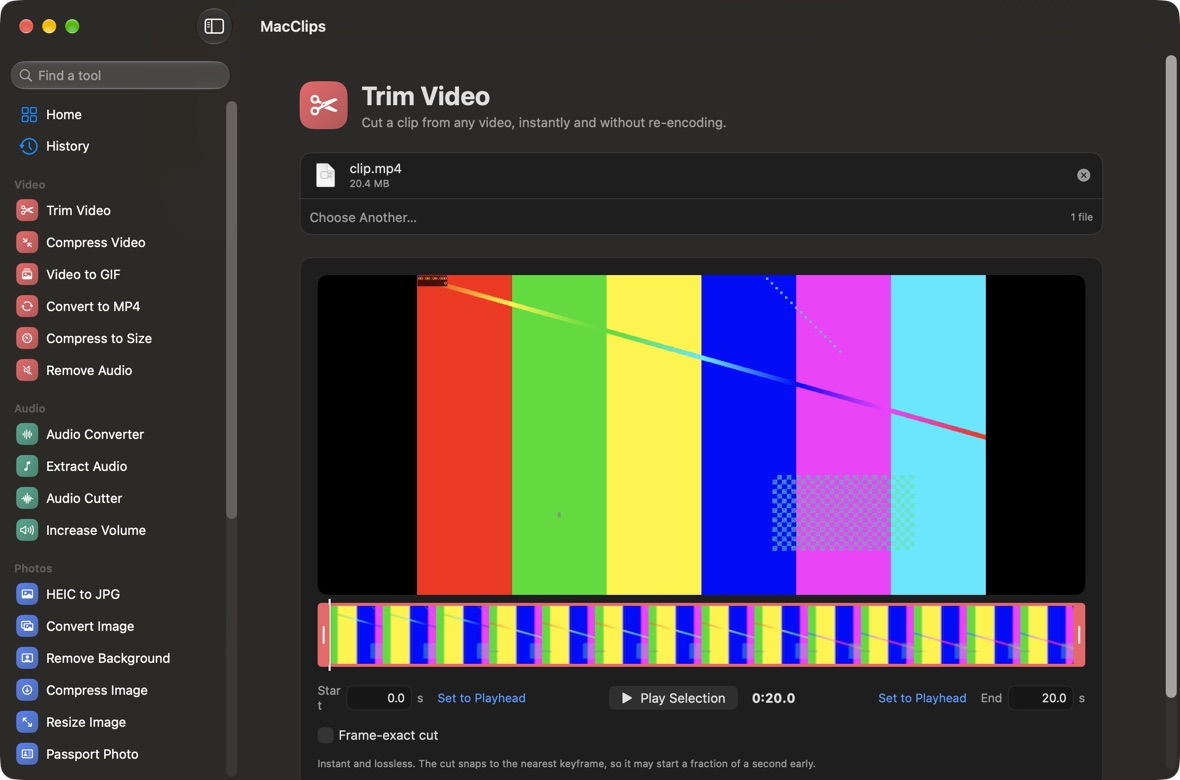
Trim, compress (or hit an exact size like 10 MB for Discord), MP4 to GIF, convert to MP4, extract audio, ringtones, HEIC to JPG, resize, compress and convert images.
Photos
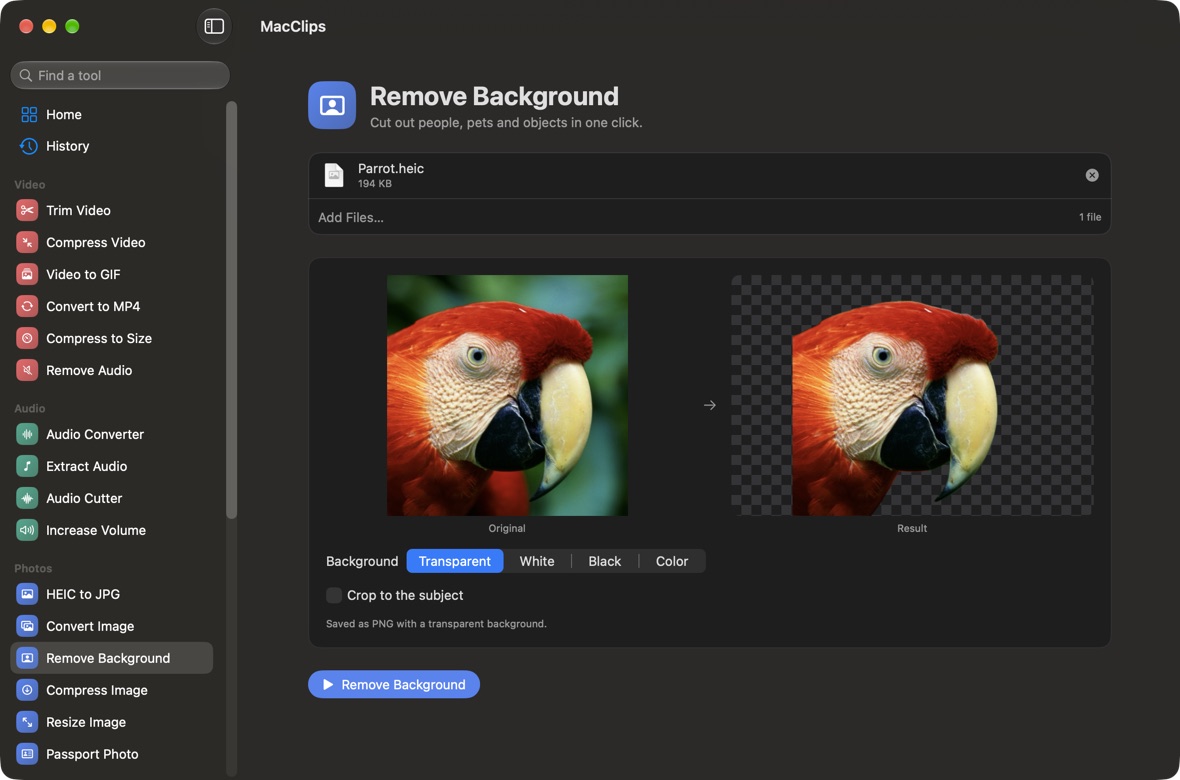
One-click background removal and passport photos for 9 countries with a printable 6×4 sheet.
Private by design
Everything runs with Apple's own frameworks on your Mac. Your files are never uploaded, and it works offline.
Updates itself
MacClips checks for new versions and installs them with one click. No need to come back to this page.
Works from Finder
Drop files on the Dock icon, use Open With › MacClips, or right-click and choose Services › Open in MacClips.
A closer look
Install
- Quickest: open Terminal, paste curl -fsSL https://trymcapps.store/install-macclips.sh | bash and press Return. MacClips installs into Applications and opens.
- Or download MacClips, open the file and drag MacClips into Applications.
- Double-click MacClips. macOS says it can't check the app because it isn't from the App Store. Click Done.
- Open System Settings › Privacy & Security, scroll down and click Open Anyway next to MacClips. You only do this once.
Questions
Are my videos uploaded anywhere?
No. Every tool runs on your Mac with Apple's frameworks: AVFoundation for video and audio, Vision for cut-outs and faces, Speech and Translation for words, and Apple Intelligence for writing. Nothing leaves your Mac.
Is there a watermark or a time limit?
No watermark, no sign-up and no limits on length or number of files.
How do I get updates?
MacClips checks for updates on its own and shows a bar when a new version is ready. Click Install and Relaunch and it updates itself in seconds. You can also choose MacClips › Check for Updates…
Which tools need Apple Intelligence?
The AI hooks in Shorts Maker, the Reel script writer and Lecture to Notes use Apple's on-device language model, so they need macOS 26 on a Mac with Apple Intelligence turned on. Everything else works on macOS 14 and later. Translation and dubbing need macOS 15 or later.
How good are the voices?
MacClips uses the voices installed on your Mac. Download the free Enhanced and Premium voices in System Settings › Accessibility › Spoken Content › Manage Voices for the most natural sound.
Can it remove music from any video?
It separates the voice in the centre of a stereo mix from the music around it, which works on most songs and many videos. Mono recordings can't be split.
Do I need anything else installed?
No. If you have ffmpeg (brew install ffmpeg), MacClips also opens MKV, WebM and AVI and saves MP3.